Bicep HeartSign in ↗
Choose the moment you want to send.
What a bicep heart trend template changes
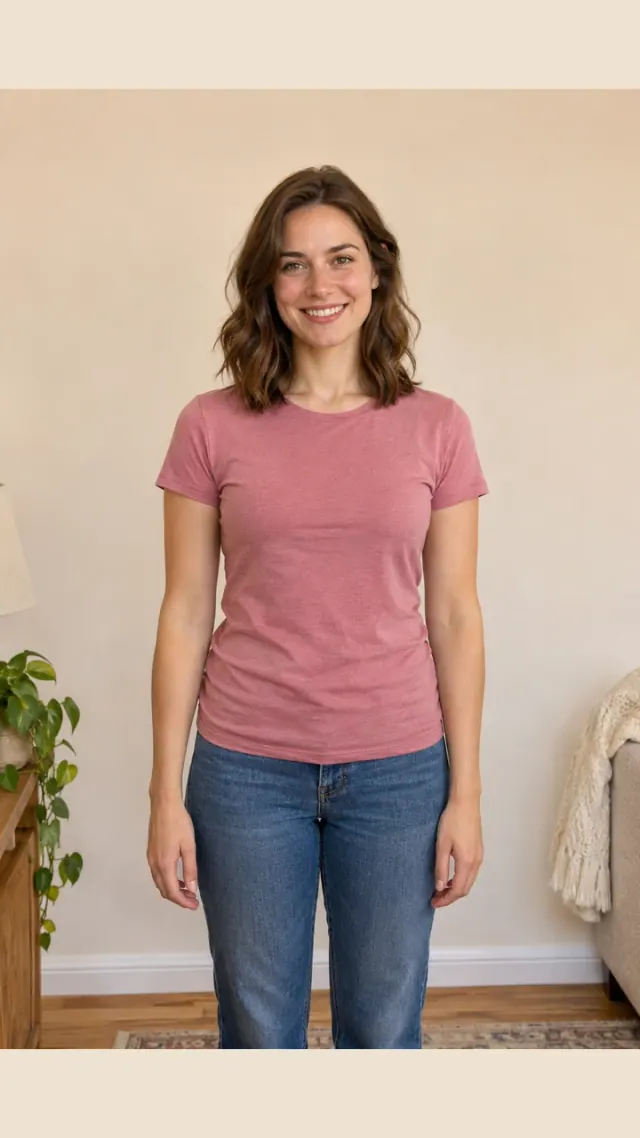
A bicep heart trend template gives your photo a particular movement and framing. Pick the outdoor scene, standing arm lift or seated sleeve reveal. The examples show complete videos made from the same fictional adult input photo, so you can compare them before choosing. LOVE and I LOVE YOU add letters to the outdoor bicep heart trend template. Adjust your bicep heart trend template letters before final export.
A standing bicep heart trend template
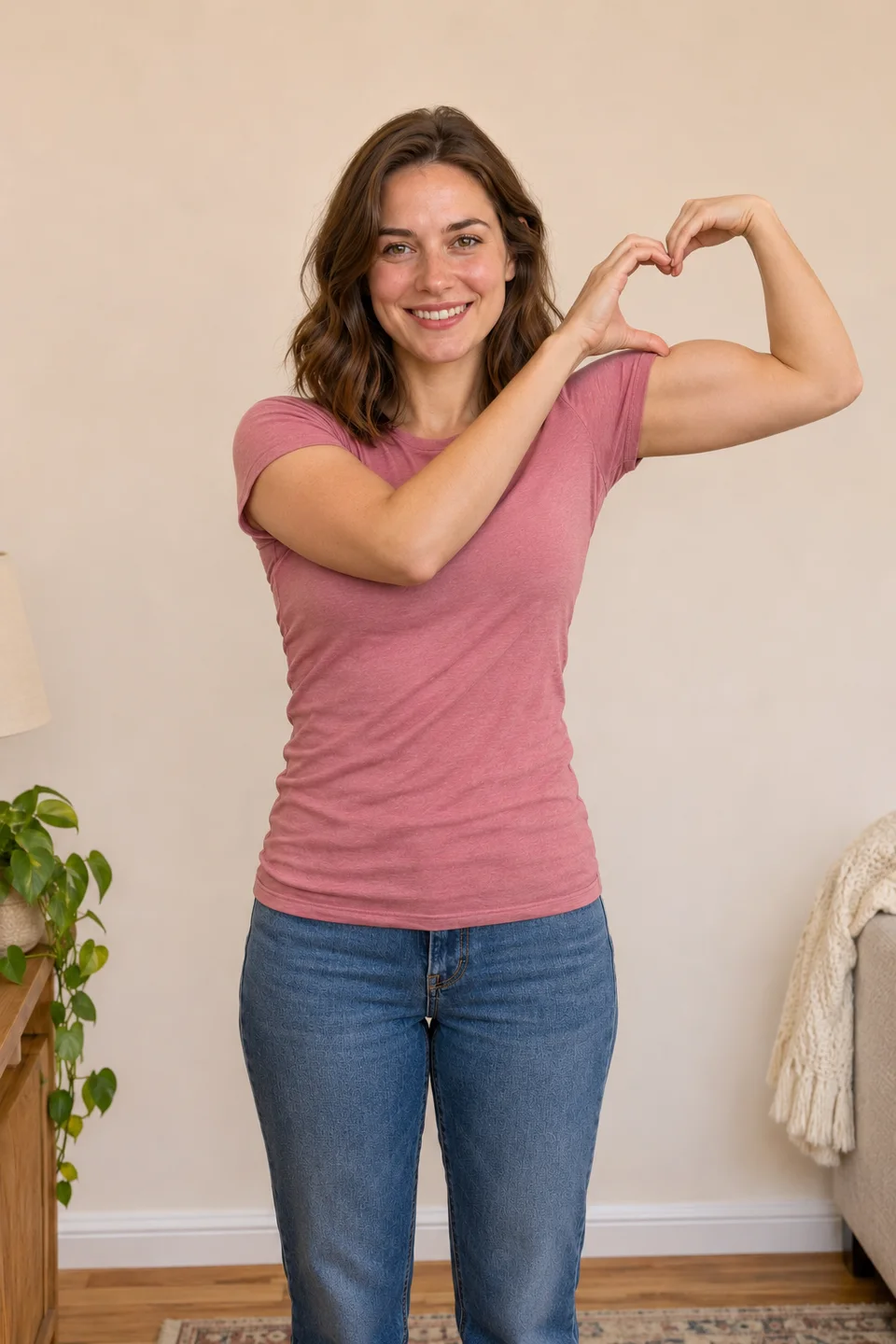
The standing bicep heart trend template begins with relaxed arms, lifts one elbow and closes a small heart above the upper arm. Choose it for a simple, playful flex that keeps the person facing the camera. Leave space around the bent elbow in your photo and watch where the opposite fingertips meet the raised wrist. For this bicep heart trend template, keep enough room above the raised elbow.
The outdoor bicep heart trend template
The outdoor bicep heart trend template begins with relaxed arms, then brings the hands together above the flexed arm. A gentle head tilt and small movements continue through the ending. This bicep heart trend template follows the outdoor reference scene and uses your photo for the person and clothing. Watch the full example to decide whether the framing suits your input.
A seated bicep heart trend template
The seated bicep heart trend template feels like a casual little reply. Its example includes the seated posture and gentle sleeve movement, followed by a held heart. Use an input that clearly shows your shoulders, arms and face. Avoid a table, handbag or crossed arms covering the hand that needs to cross toward the bicep. A seated bicep heart trend template needs the chair and both elbows to fit within the frame.
LOVE and I LOVE YOU bicep heart captions
Choose LOVE or I LOVE YOU for a lettered bicep heart trend template. LOVE places L, V and E around your arm heart. I LOVE YOU places I above and YOU below it. Both follow the outdoor bicep heart trend template. In your result, open Letter style, adjust placement and choose Prepare my lettered MP4. Preview and download use the same complete file. Each bicep heart trend template keeps its original MP4, with no extra credits for letters.
Match your photo to a bicep heart trend template
Choose a bicep heart trend template whose framing fits your upload. Leave space around the elbow for the standing scene and keep both hands unobstructed for the seated scene. A face-only portrait gives too little body context. Your selected scene stays with the draft through sign-in and checkout, and your finished video has its own private result page. If your bicep heart trend template needs a sleeve reveal, avoid a portrait cropped tightly around the face.
Compare a bicep heart trend template in full
Compare a bicep heart trend template by playing its whole video. Check the face, closed heart, sleeve contact and expression through the ending. Every scene produces a 7-second, 720p silent MP4 and uses one video credit. AI can change clothing, anatomy or fine facial details, so inspect your own result before sending it. Play your bicep heart trend template at normal speed to check the full motion.
Film your own bicep heart trend template
You can perform the real gesture and add a text style in a video editor. This free route gives you your own movement and avoids AI identity changes. Use the pose guide for hand position, then add a permitted sound on the destination platform. Choose an AI photo route when animating an existing picture is the task you actually want.